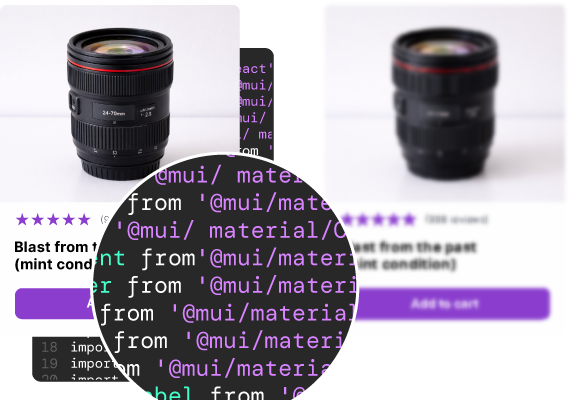
Bolt generates a web app from a prompt, from scratch. UXPin generates with your existing React component library. Here's what that means for your team.
50%
reduction in engineering time
8.6x
faster prototyping
3
designers supporting 60 products
UXPin is a connected system, not a single tool. Your real React component library syncs in through Merge; Forge generates with those exact components using AI; Wire turns the result into a working, shippable product. The three talk to each other — one source of truth, your components, flowing through design, AI generation, and build — and they come together in one environment, not metered or sold as separate add-ons. Most tools in this space do one thing. UXPin connects the whole path from design to working product.
Bolt (StackBlitz) is a prompt-to-app generator with in-browser editing. You describe an app and it builds one from zero, using its own conventions. UXPin generates with the components you already have — your synced React library, with real props, variants, and states.
That's not a feature difference. It's an architecture difference. And it determines whether the output extends your design system or has to be rebuilt to match it.
Every row is a question you're actually asking — not a feature checkbox.
|
|
|
|
|---|---|---|
| Suite or point tool | Connected suite — Merge, Forge & Wire, included together | Point tool — prompt-to-app |
| Canvas / surface | Visual canvas rendering real components | Chat + in-browser code (StackBlitz) |
| AI generates with | Your actual components via Forge | Its own conventions, from zero |
| Design system input | Production React library via Git or Storybook | None |
| Post-AI refinement | Design tools on code-backed components | In-browser code editing |
| Developer output | Production JSX referencing your library | Web app in Bolt's structure |
| DS governance | Production components + Design System Guidelines | None |
| DS drift risk | None — structurally impossible | N/A — no system to drift from |
| Visual design tools | Full design suite | None |
| Best starting point | Teams with an existing component library | Greenfield prototypes |
| Working app from your system | Wire builds the working app — and the code — from your design and your components | Generates a working app from zero |
| IDEAL USER | Teams shipping production UI on a design system | Founders / devs prototyping from zero |
Suite or point tool
Canvas / surface
AI generates with
Design system input
Post-AI refinement
Developer output
DS governance
DS drift risk
Visual design tools
Best starting point
Working app from your system
IDEAL USER
Where the architectural difference plays out in practice.
PILLAR 1
AI that uses your real components
Bolt generates an app from scratch using its own component choices. It's fast and effective for getting a prototype running from nothing. But it has no connection to an existing design system, so for a team with a component library, the output needs rework. UXPin's Forge is constrained to your synced library — it can only generate with components that exist in your system, with their real props and variants. There's nothing to reconcile because the output already uses your components.
PILLAR 2
Professional design tools for the last mile
Bolt's refinement happens in code, in-browser via StackBlitz. There's no visual design surface for layout or variant work without going through code. UXPin pairs AI generation with professional design tools on a shared canvas, and manual edits don't consume AI credits.
PILLAR 3
Production code output
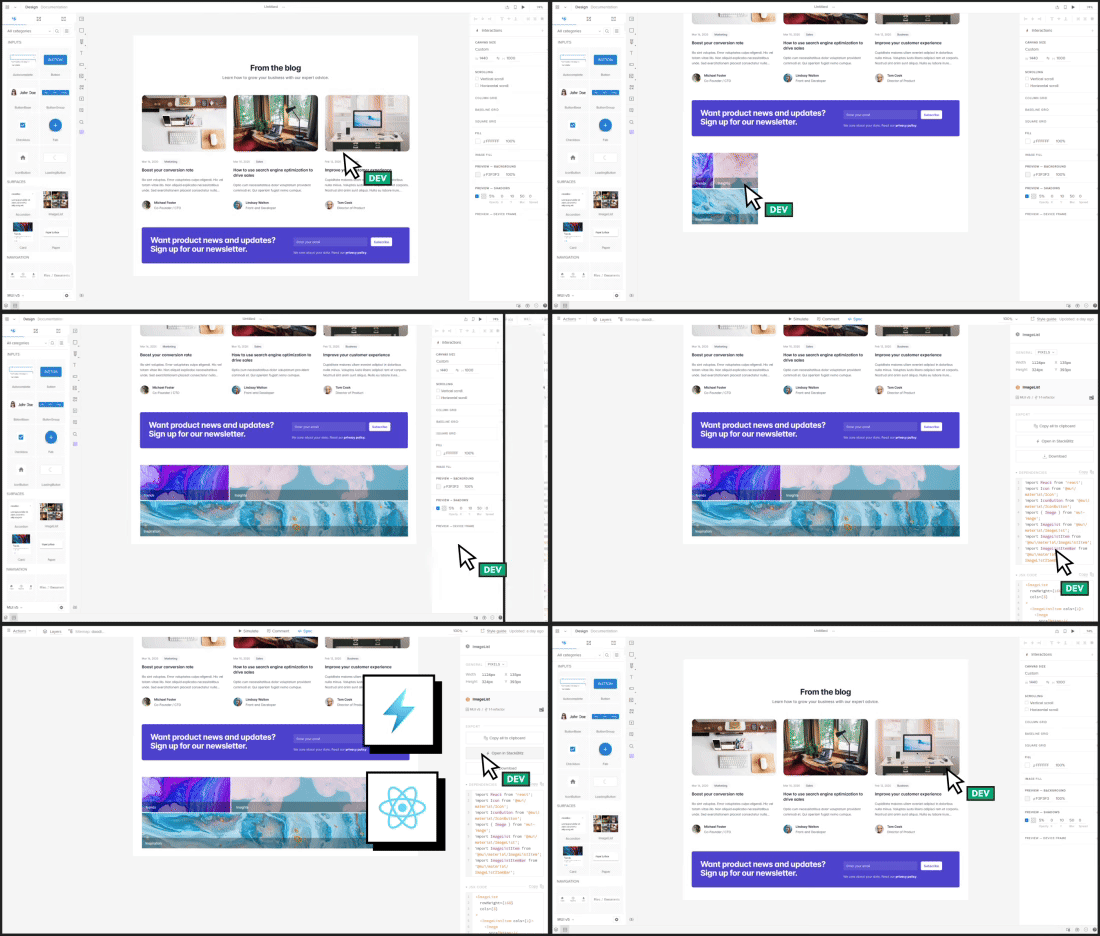
UXPin exports production-ready JSX referencing your actual component library — real imports, real props, working state. Developers copy it and integrate directly. Bolt exports a working app built on its own structure. For greenfield that's fine. For a team with an existing system, UXPin's output references your real library directly. Both can end in a working, deployable app — the difference is the starting point. Bolt generates from a blank prompt; with Wire, UXPin builds the working app and the code from your design and real components, reaching the same endpoint from your system instead of from scratch.
import Button from '@mui/material/Button';
import Card from '@mui/material/Card';
Fair and specific. Both tools have real strengths — here's where each wins.
Choose UXPin if...
You have a React component library the AI should build with
Design system consistency and governance matter
You need production JSX referencing your real components
You want visual design tools alongside AI
Choose Bolt if...
You're prototyping a new app from zero
You want in-browser code editing via StackBlitz
Speed to a running prototype matters more than design system fit
Use both: Teams sometimes spin up a quick concept in Bolt, then build the real thing in UXPin on their design system once the idea is validated.
When I used UXPin Merge, our engineering time was reduced by around 50%. Imagine how much money that saves across an enterprise-level organization with dozens of designers and hundreds of engineers.
Larry Sawyer
Lead UX Designer
50%
reduction in engineering time
8.6x
faster prototyping
3
designers supporting 60 products
See the difference for yourself
Build a screen in Bolt. Build the same screen in UXPin Forge with your component library. Compare the output — and compare what developers can do with each.