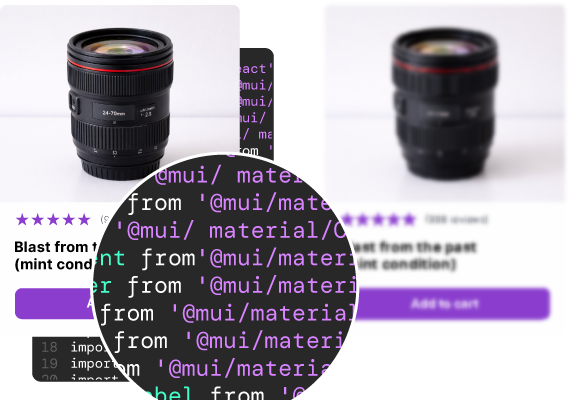
Claude Design reads your codebase and approximates your design system. UXPin syncs your library and generates with the real components. Here's what that means for your team.
50%
reduction in engineering time
8.6x
faster prototyping
3
designers supporting 60 products
UXPin is a connected system, not a single tool. Your real React component library syncs in through Merge; Forge generates with those exact components using AI; Wire turns the result into a working, shippable product. The three talk to each other — one source of truth, your components, flowing through design, AI generation, and build — and they come together in one environment, not metered or sold as separate add-ons. Most tools in this space do one thing. UXPin connects the whole path from design to working product.
Claude Design reads your codebase and extracts visual patterns — colours, typography, spacing — then generates new elements styled to match. UXPin syncs your actual React component library, and Forge generates with those real components.
That's not a feature difference. It's an architecture difference. One approximates your design system; the other is constrained to it. And it determines whether off-brand output is something you catch in review or something that can't happen in the first place.
Every row is a question you're actually asking — not a feature checkbox.
|
|
|
|
|---|---|---|
| Suite or point tool | Connected suite — Merge, Forge & Wire, included together | Point tool — visual generator |
| Approach | Syncs library, generates with real components | Reads codebase, approximates patterns |
| AI generates with | Your actual components — real props and variants | New elements styled to match |
| Design system input | Production React library via Git or Storybook | Visual patterns extracted from code |
| Post-AI refinement | Design tools — no AI credits for manual edits | Edits route through the model (uses credits) |
| Developer output | Production JSX referencing your library | Canva / PDF / PPTX / handoff to Claude Code |
| DS drift risk | None — structurally impossible | Real — approximation drifts |
| Edit cost | Manual edits are free | Token-metered |
| Component fidelity | The actual components, exact props | Visual match, not real components |
| Path to a working product | A working, interactive app you can publish, plus exportable React code (via Wire) | Visuals / decks, or handoff to Claude Code |
| AI models | GPT + Claude, bring your own key | Claude (Anthropic) |
| IDEAL USER | Teams with a mature design system | Non-designers needing quick visuals |
Suite or point tool
Approach
AI generates with
Design system input
Post-AI refinement
Developer output
DS drift risk
Edit cost
Component fidelity
Path to a working product
AI models
IDEAL USER
Where the architectural difference plays out in practice.
PILLAR 1
AI that uses your real components
Claude Design reads your codebase and generates elements styled to look like your product. It's approximation — the output resembles your system but isn't built from it. Teams report wrong fonts, incorrect colours, and spacing that drifts from the real design system. UXPin's Forge is constrained to your synced library. It can only use components that exist in your system. Off-brand output isn't something you review for — it's structurally impossible. Claude Design approximates your design system. UXPin renders the real thing.
PILLAR 2
Professional tools for the last mile
In Claude Design, refinements route through the AI model — and every edit, including spacing tweaks, consumes credits. Users report hitting weekly limits in hours. In UXPin, manual edits use standard design tools, not the AI. Adjusting spacing or swapping a variant costs nothing. AI generates the structure; design tools handle the refinement.
PILLAR 3
Production code output
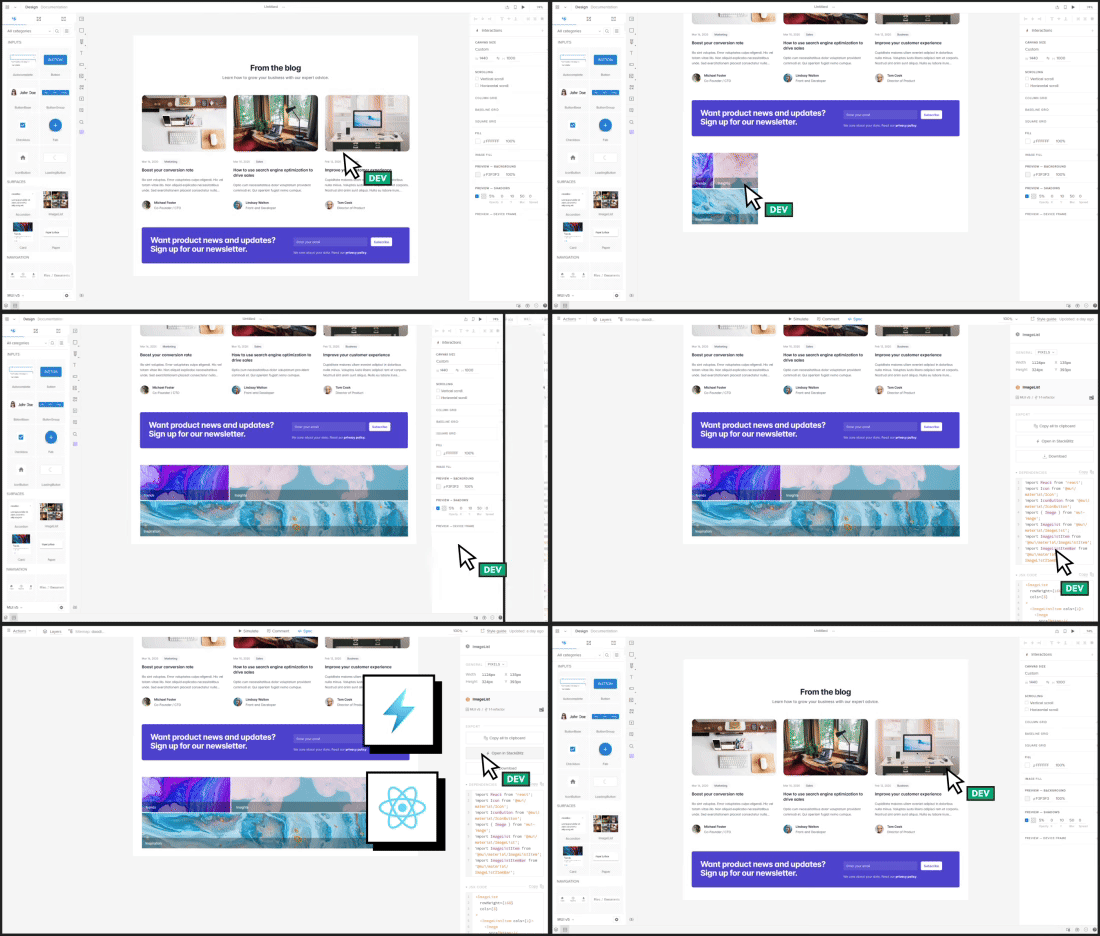
UXPin exports production-ready JSX referencing your actual component library. Real imports, real props, working state management. Developers copy it and integrate directly. Nothing to interpret, nothing to rebuild. Claude Design exports to Canva, PDF, PPTX, or hands off to Claude Code, which then interprets the design and generates new code. That's a translation step. UXPin's output is already the code. And with Wire, that output doesn't stop at code you hand over — the design becomes a working, interactive product you can publish and share, with the React project exported behind it. Where Claude Design hands off a visual to interpret, UXPin turns the design into something that behaves like a real app, not a mockup.
import Button from '@mui/material/Button';
import Card from '@mui/material/Card';
import TextField from '@mui/material/TextField';
Fair and specific. Both tools have real strengths — here's where each wins.
Choose UXPin if...
Your team has a mature design system you need the AI to respect
Design system drift is unacceptable
You don't want manual edits metered by AI credits
You need production JSX developers ship directly
Choose Claude Design if...
You're a non-designer who needs quick, good-looking visuals
You're making pitch decks, mockups, or landing-page concepts
You don't have an existing design system to honour
Use both if: Claude Design is useful for fast conceptual visuals early on. UXPin is where those concepts become production design built on your real components, with code your developers ship.
When I used UXPin Merge, our engineering time was reduced by around 50%. Imagine how much money that saves across an enterprise-level organization with dozens of designers and hundreds of engineers.
Larry Sawyer
Lead UX Designer
50%
reduction in engineering time
8.6x
faster prototyping
3
designers supporting 60 products
See the difference for yourself
Generate a dashboard in Claude Design. Generate the same dashboard in UXPin Forge with your component library. Compare the output. Compare what developers can do with each.
Read the full comparison on our blog